
Before your call
Your appointment confirmation will include a private link to join your Google Meet call.
Online 1-to-1 rehab
Personal support with your recovery, guided by Nick Taylor at Valley Rehab. Start with a free introductory call to explore whether online rehab could suit your needs.

Meet your therapist
Owner and head sports & exercise therapist
BSc (Hons) Sports Therapy · IMMOFP · Cert. Med. Acupuncture · SST19856
I help people working towards a return to the activities they enjoy. Online 1-to-1 rehab gives us space to discuss your goals and guide your exercises from home, with support built around you.
Our first conversation is a chance to get to know each other and discuss whether this approach fits what you need.
Book a free introductory callExplore online rehab
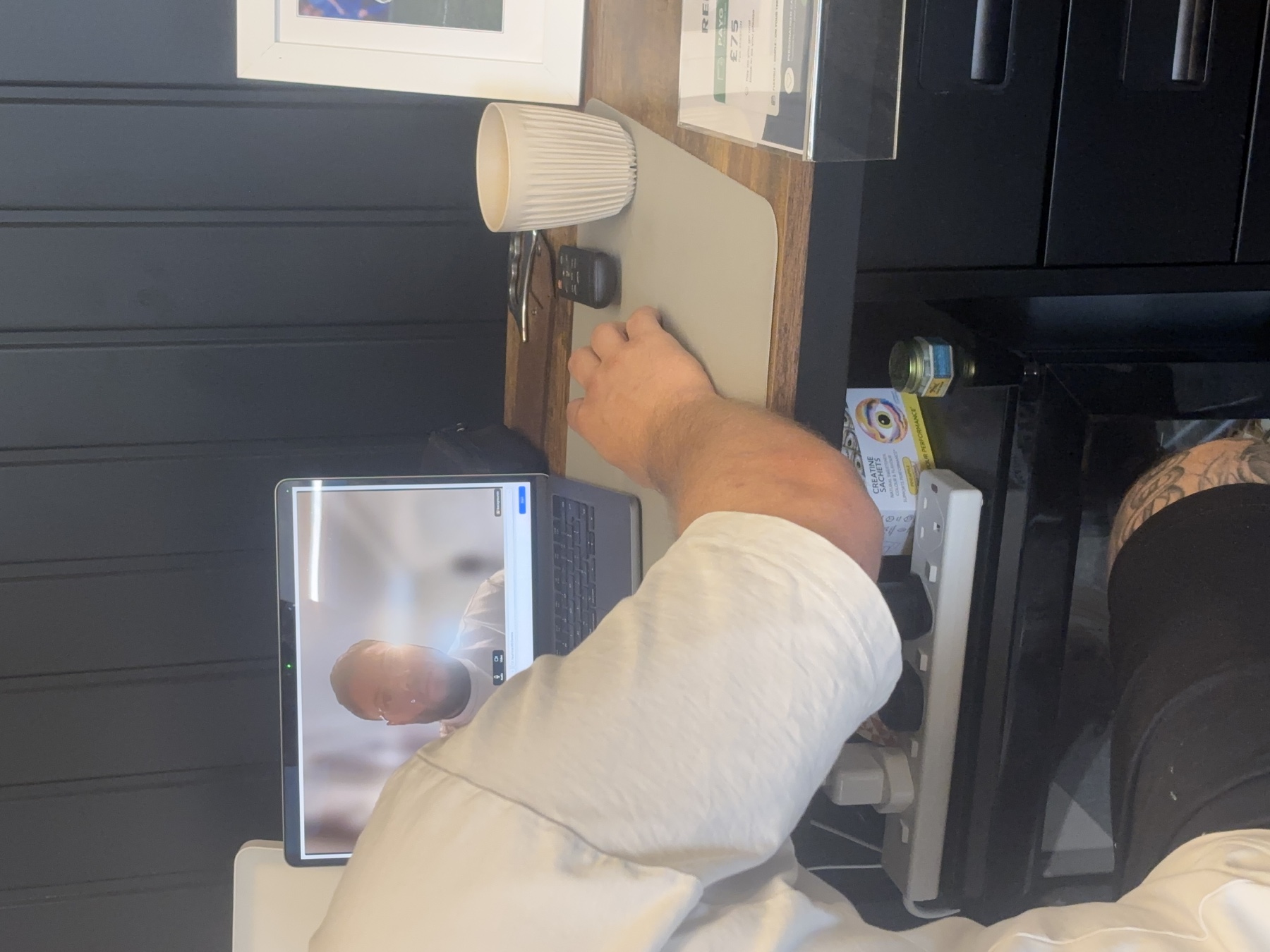
This short video can introduce your therapist, show how the call works and explain what you may be asked to do during your appointment.
You follow clear, live guidance on your own device while your Valley Rehab therapist watches, listens and adapts the session with you.

What to expect
After your free introductory call, you can decide whether to book a separate paid session. Here is what that involves.
Your appointment confirmation will include a private link to join your Google Meet call.
We discuss what is happening, your health history and your goals, then guide you through suitable movements where helpful.
We explain what we have found, answer your questions and recommend the most appropriate next step for you.
Client experiences
Your first step
Let’s talk about what you need help with and answer your questions. No obligation to book a paid session; this call is not a full assessment or treatment session.
Open the Google Meet link in your appointment confirmation and allow access to your camera and microphone. Use a charged phone, tablet or computer, a reliable internet connection and a quiet, well-lit space.
For a paid rehab session, wear comfortable clothing and leave enough room to move safely. For your introductory call, simply bring your questions.
Read Google’s joining guideCall Valley Rehab on 07723 428848 and we will talk you through it.